
Open the report
- Open a website in the sidebar.
- Choose Users.
- Set the dates.
The built-in report contains Devices, Countries, Languages and Weekdays. It starts without headline KPI widgets. A separately added report begins with a title only.
“Users” is the report name. These are Search Console clicks and impressions, not unique people or sessions.
Read the device split
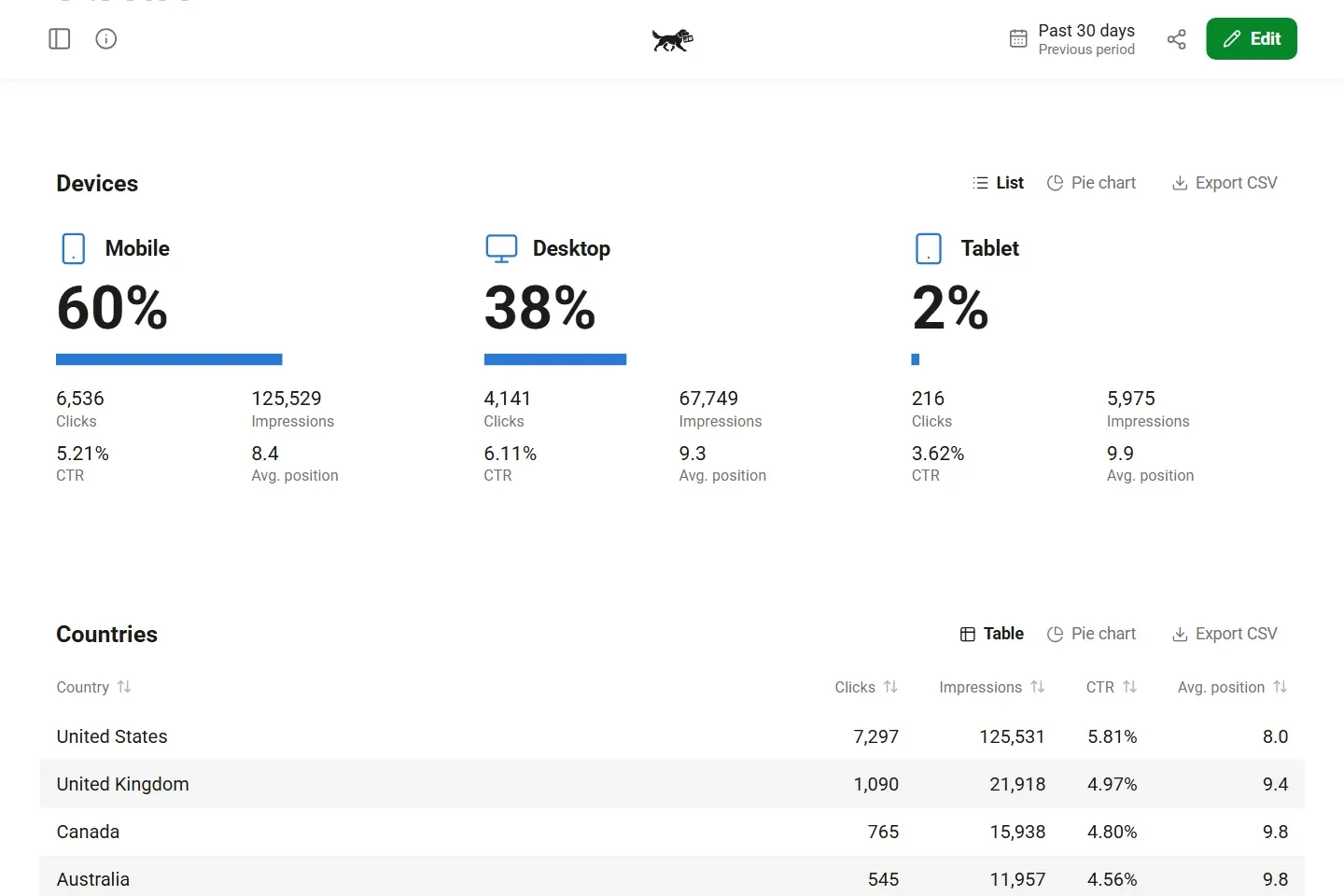
| Control or value | Meaning |
|---|---|
| Desktop, Mobile, Tablet | Device categories present in the data |
| Percentage and bar in Table | Share of selected-period clicks |
| Table / Pie chart | Changes presentation |
| Clicks / Impressions in the pie | Changes which measure the slices represent |
| Metric value in the table | Opens that device’s history |
| Export CSV | Downloads device metrics for the selected dates |
In Edit → Modules → Devices, choose the table style for this module. The chart keeps its own presentation. Check the pie’s selected measure before comparing percentages. Device click share is not the share of unique visitors.
Countries, languages and weekdays
| Section | What it measures | Check before interpreting |
|---|---|---|
| Countries | Search performance by country | Dates and available data |
| Languages | Language versions of your website | This is not the visitor’s browser language |
| Weekdays → Clicks a day, Impressions a day | Average per occurrence of that weekday | A period may contain different numbers of Mondays and Tuesdays |
| Weekdays → Share | Percentage of all period clicks that occurred on that weekday | A share of total clicks, not the daily-average column |
| Weekdays → CTR, Avg. position | That weekday’s aggregated metrics | Position is better when lower |
To verify Share, divide that weekday’s total clicks by all clicks in the selected period. Small rounding differences are normal. Do not divide the Clicks a day column by total period clicks.
Countries and devices are unavailable in whole-report filtered or non-Web search-type views. Missing breakdowns must not be filled with unrelated whole-site values.