
Open the report
- Open the website under Sites in the sidebar.
- Choose Overview under that website.
- Check the website name in the title.
The top-level Overview combines all your websites. It is a different page.
What it starts with
| Module | Content |
|---|---|
| Title | Website name and report introduction |
| KPIs | Clicks, Impressions, CTR, Avg. position |
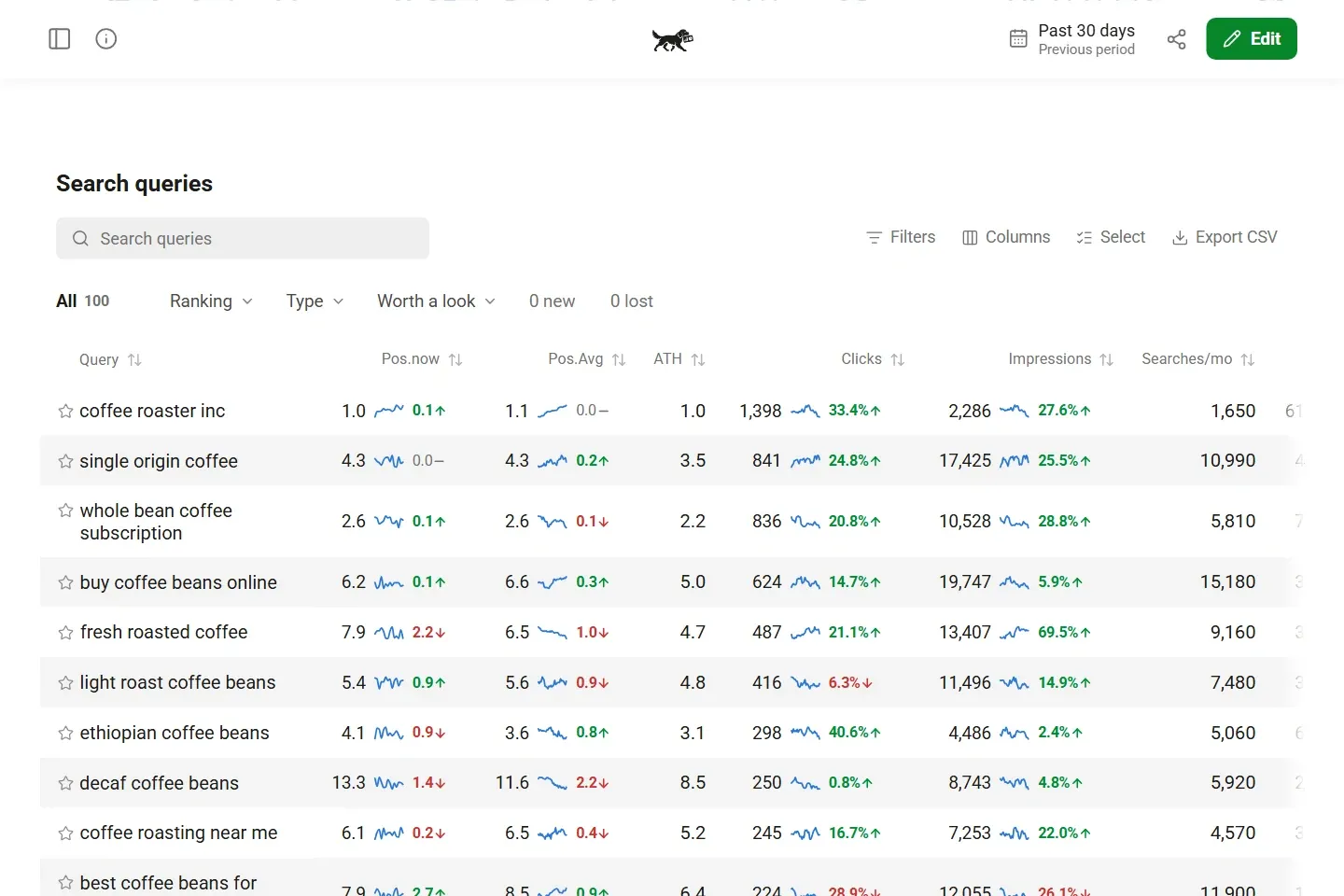
| Search queries | Searches Google disclosed for the website |
Existing reports keep their saved modules. Pages, Users, AI searches and Notes also have their own entries under the website.
Work through a change
- Choose the dates and comparison in the date picker.
- Press a headline metric to inspect its history.
- Find a changed query in Search queries. Open one of its numbers to inspect that query.
- If the task concerns a folder, apply a whole-report filter before interpreting totals.
- Check the data-through date and scope before describing the result.
To add a chart, Summary, Top pages or Notes, open Edit → Add module. After changing the layout, leave edit mode and verify that the module appears. A table search does not change the headline KPIs.
Mobile and desktop clicks
In an unfiltered website report, Summary can show when mobile’s share of mobile and desktop clicks changed between two consecutive 28-day periods. The weekly sample starts with up to 200 queries ranked by clicks and compares only searches with enough data in both periods.
- Find the observation in Summary and read the earlier and later percentages.
- As the report author, choose Open analysis to see the dates and which individual queries showed a clear shift. Select a query to open the report’s search table for those dates.
- For the percentage, divide mobile clicks by mobile plus desktop clicks. A change from 40% to 52% is a 30% relative rise. The observation requires a relative change above 25% and enough clicks to distinguish it from ordinary variation. Tablets appear in the website device breakdown.